How to fix a plugged in laptop that won’t charge
Is your laptop connected to the AC charging system and still shows not charging? Well, here is a simple solution on how to fix it. Fix laptop charging issues Shutdown your laptop Remove battery Then connect the laptop to the AC charging system Power on the laptop Press windows key+ x key and open Device
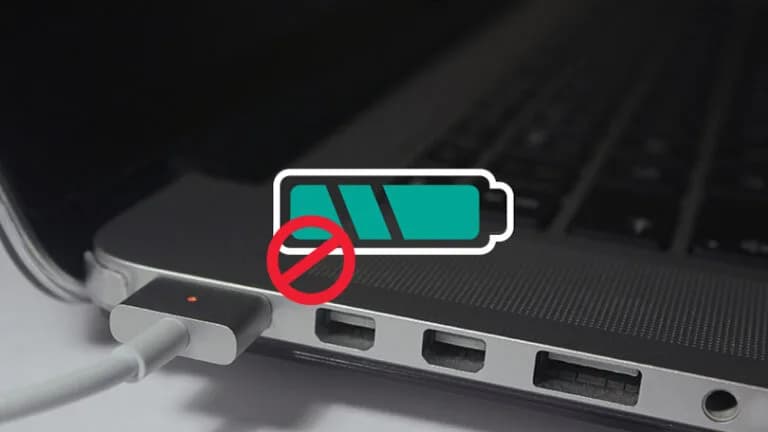
How to fix a plugged in laptop that won’t charge
Is your laptop connected to the AC charging system and still shows not charging? Well, here is a simple solution on how to fix it.
Advertisement
Fix laptop charging issues
- Shutdown your laptop
- Remove battery
- Then connect the laptop to the AC charging system
- Power on the laptop
- Press windows key+ x key and open Device Manager
- Click the on Batteries category ~Right click All of the ‘Microsoft ACPI Compliant Control Method Battery’ listings
- Select Uninstall In the ‘confirm Device Uninstall’ dialog box
- Click OK
- Click on System Devices.
- Right-click the ‘ACPI Fixed Features Button’ and then select Uninstall
- In the ‘Confirm Device Uninstall’ dialog box click OK.
- Shutdown your laptop
- Then disconnect AC
- Insert the battery
- Connect AC to your laptop
- Power on your laptop
Main Image: PC Mag
Was this useful?0 reactions